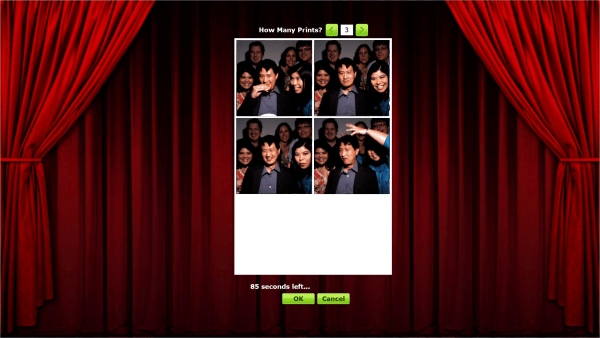
Just in time for your Halloween party! This update adds the ability for guests to select the number of print copies. To turn this new option:
See up-to-date instructions for [Sparkbooth 3.0.9 update](/news/sparkbooth-3-0-9-preview-update/)
- Open Sparkbooth Settings by pressing F1 or the settings button in the upper right.
- Select the Options tab, and selecting Printing from the list
- Enable Printing. Also enable the print prompt by checking the option to "Prompt user to print" and "With preview"
- Select User Controls from the list to show the print copies control.
- Select "Enable Print Copies Selection"