Tag Archives: release

Latest Sparkbooth photo booth releases and updates

Halloween and Photo Album Mode Update

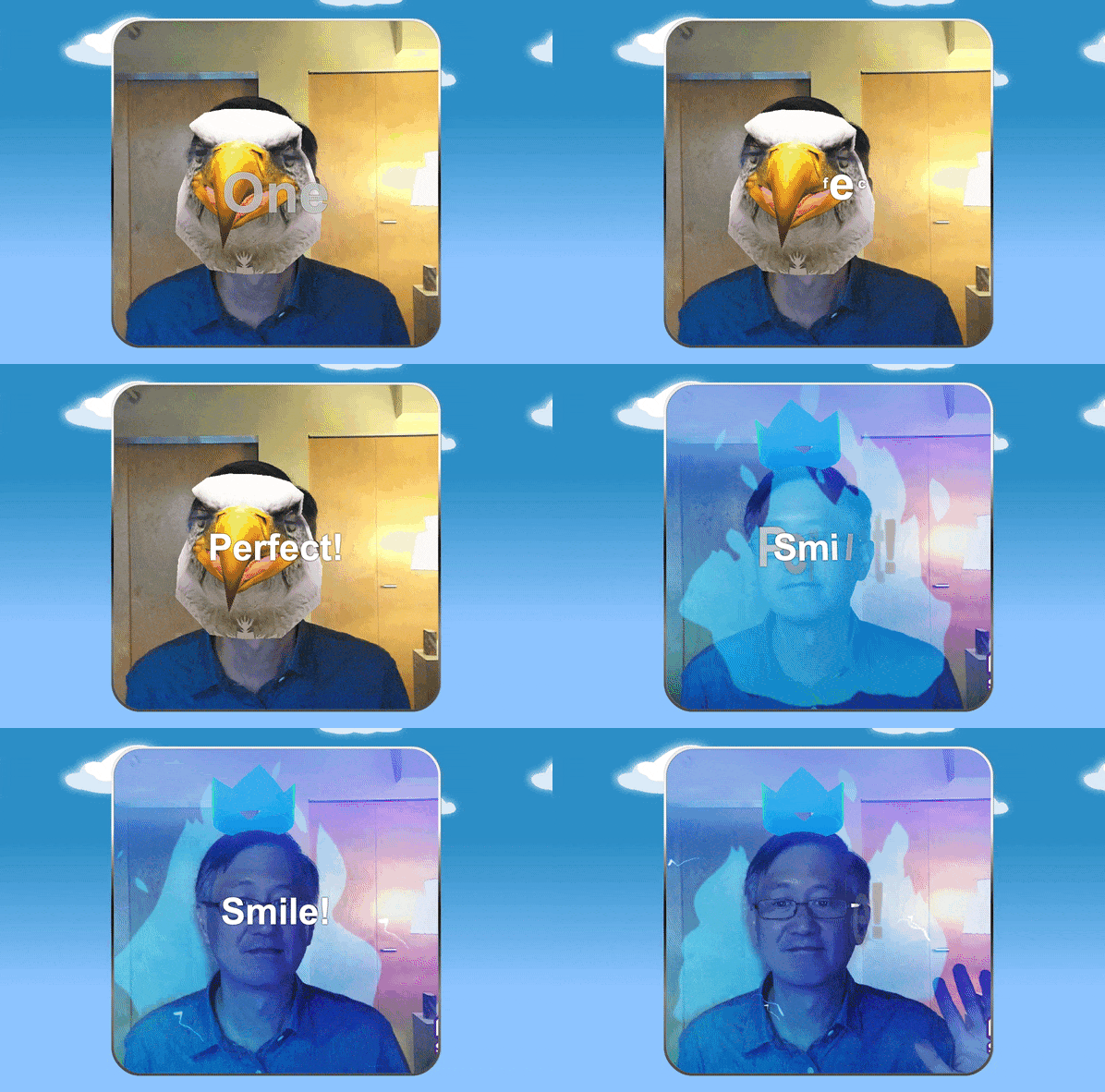
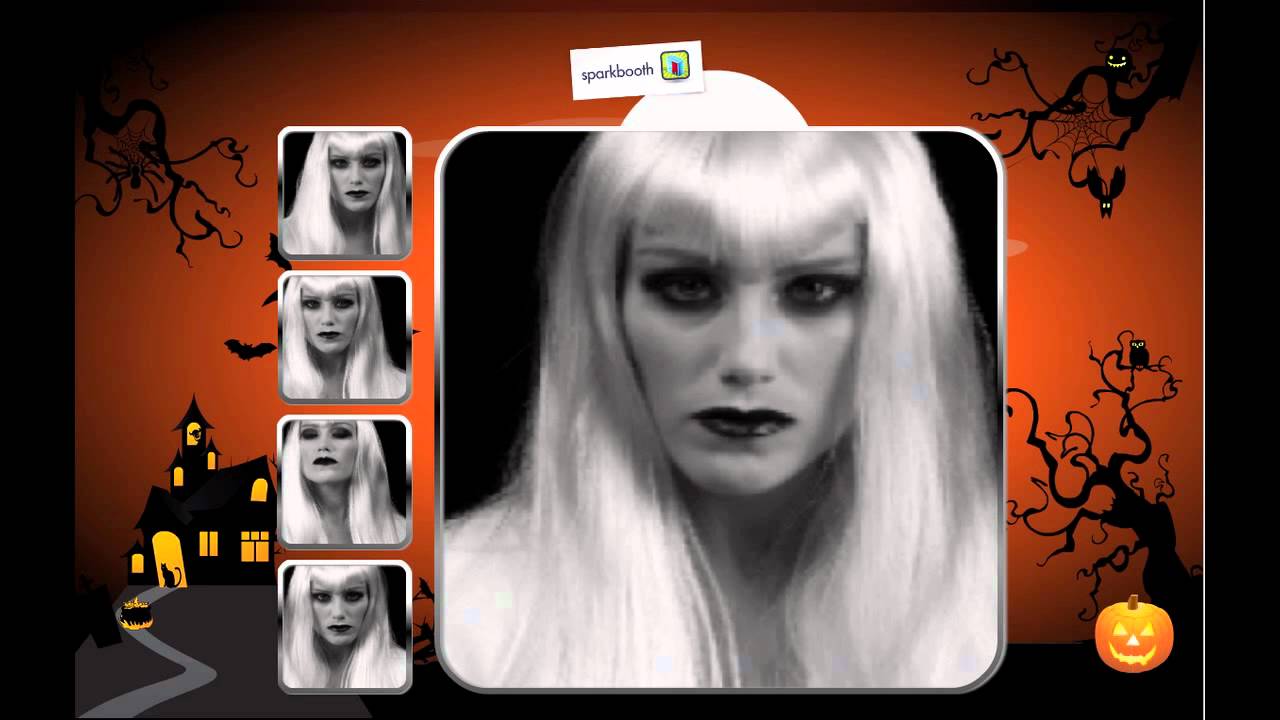
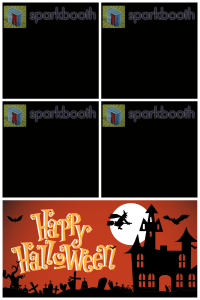
This update adds a new Halloween theme and Witch voice to Sparkbooth. To enable, go to Settings > General > Theme > select “Halloween”, and Settings > Voice > select “Witch”. Hope you enjoy this new theme and matching photo layout background:

Halloween template for 2 x 2 Top, 4 x 6 Portrait

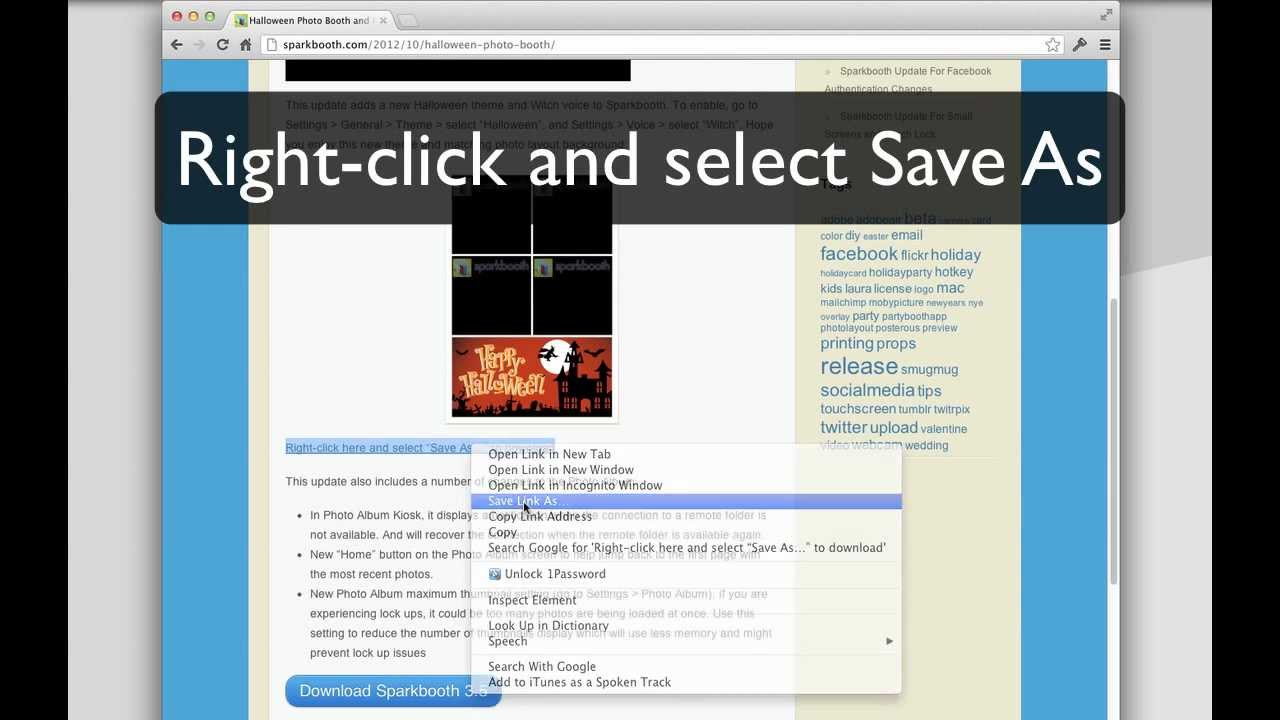
Right-click here and select “Save As…” to download

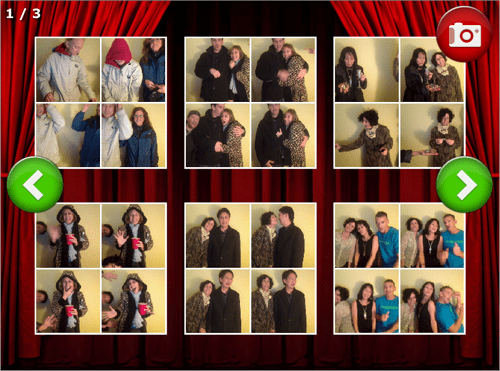
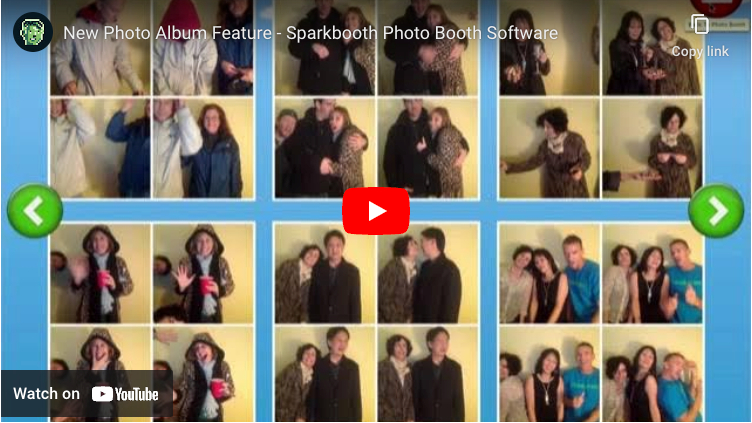
This update also includes a number of changes to the Photo Album:

  • In Photo Album Kiosk, it displays a notification when the connection to a remote folder is not available. And will recover the connection when the remote folder is available again.
  • New “Home” button on the Photo Album screen to help jump back to the first page with the most recent photos.
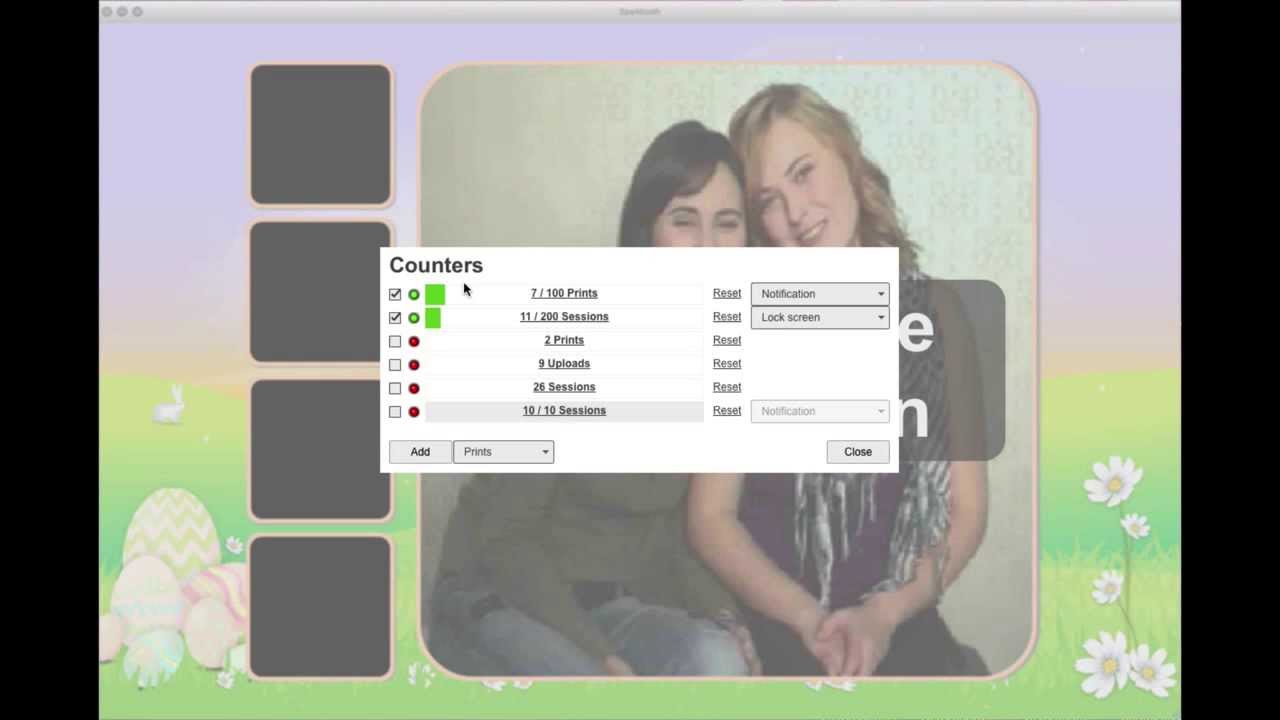
  • New Photo Album maximum thumbnail setting (go to Settings > Photo Album). If you are experiencing lock ups, it could be too many photos are being loaded at once. Use this setting to reduce the number of thumbnails display which will use less memory and might prevent lock up issues
Download Sparkbooth 3.5

Related Posts

Sparkbooth Update For Facebook Authentication Changes

Changes to 3.5.37 include:

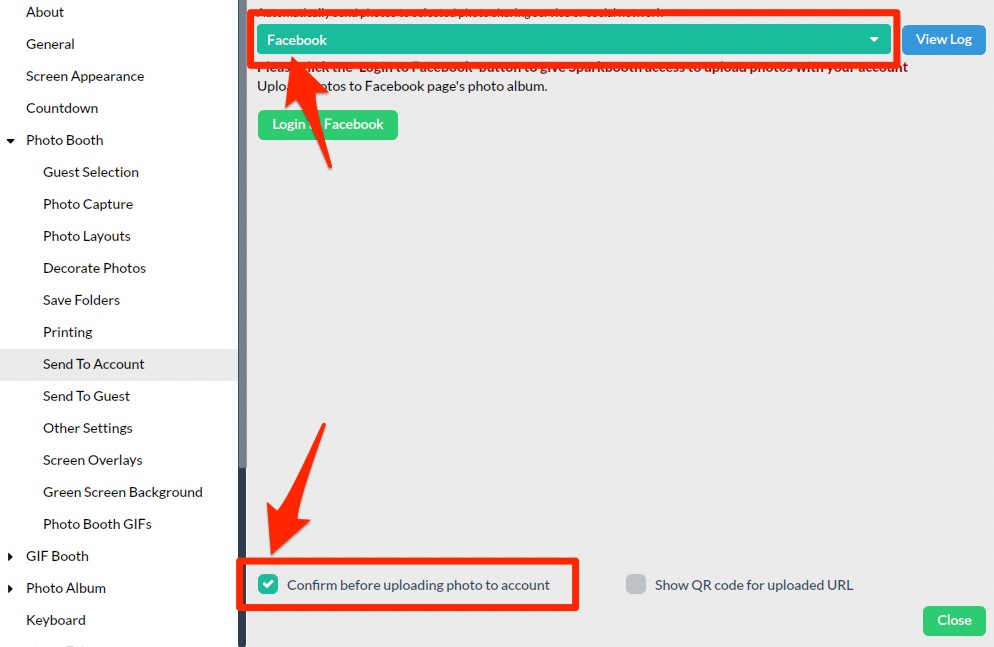
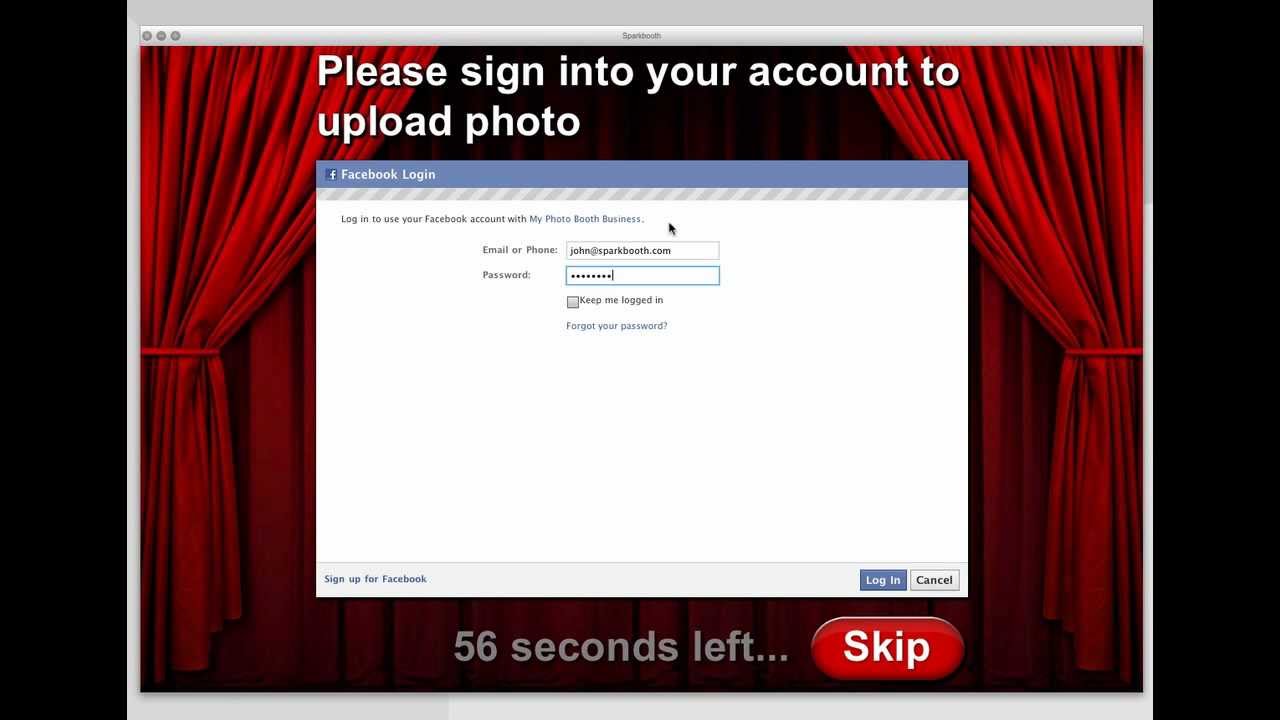
  • Today Facebook will be enforcing breaking changes to their authentication process. This affects the Commercial custom Facebook app sign in. Facebook has also started showing a scary the security warning text on their sign in success page. This update fixes the custom Facebook app for these changes, and you will no longer see the security warning. If you have previously setup a custom Facebook app, you will need to add an application domain at http://developer.facebook.com/apps for your app and add a callback url in Sparkbooth. The video tutorial for creating and setting up your custom Facebook app has been updated for this. If you have an existing Facebook app, here are some update instructions.
  • New prompt setting to allow photo to be sent to multiple accounts (by emails, guest Facebook, guest Twitter, or Send It Later prompts). Go to Settings > Prompts > check “Upload photo to another account”. This is useful for sending the same photo to multiple guests.
  • “Send It Later” uploader has option to not clear uploaded photos. This option is useful if you want to upload photos to more than one destination. For example, if you had prompted for email address – you can now email guests their photos, and then upload to your Facebook page
  • Remove delay between count down and photo being taken. Previously there was a half second delay from the end of the count down to photo being taken.
  • Auto enable Show banner when selecting banner image.
Download Sparkbooth 3.5

Related Posts

Sparkbooth Update For Small Screens and Touch Lock

Sparkbooth 3.5.35 is now available. Changes include:

  • Improve layouts for small screens (smaller than 800 x 600)
  • Add touch/hold lower left corner to toggle lock. Useful for touch screen users!
  • Auto lock app on start up option
  • Re-enable virtual keyboard to app lock password
  • Cancel session during prompts and preview
  • Improve refreshing of album mode
  • Ready email provider for Guest Upload Chooser
  • Spaced not allowed in settings url and api input fields
  • Spaces not allowed in license unlock dialog
  • Ctrl+F should not toggle fullscreen when locked
  • Prevent minimizing when locked
Download Sparkbooth 3.5

Related Posts

Sparkbooth 3.5 Maintenance Update

Sparkbooth 3.5.33 is now available. This is a maintenance update to address the following:

  • Hide toolbar on app lock
  • Re-display start message after changing photo effect
  • Re-enable click/touch to start setting
  • Re-enable reprint keyboard shortcut
  • Optimize layout selection button and keyboard shortcut
  • Photo layout list sorted by favorites, paper size, and name
  • Change ‘Video’ tab to ‘Photo Effects’ to avoid confusion
  • View save folders in Saving options
  • View log.txt in Prompts options
  • Layout button should show same preview layout
  • Preview layout should update when background or overlay is changed
  • Prompted data correctly saves to log.txt
  • Mandrill logout clears access key – preventing logging back into Mandrill
  • Settings dialog now displays in small window
  • Add background to photo album page label for readability
  • Fix ‘Guest Uploader Chooser’ uploader
Download Sparkbooth 3.5

Related Posts

Announcing Sparkbooth 3.5

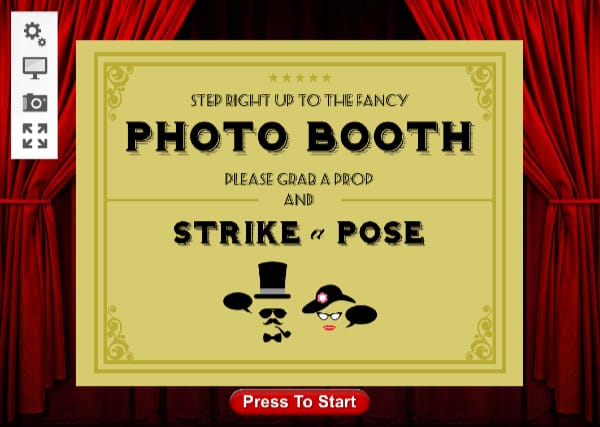
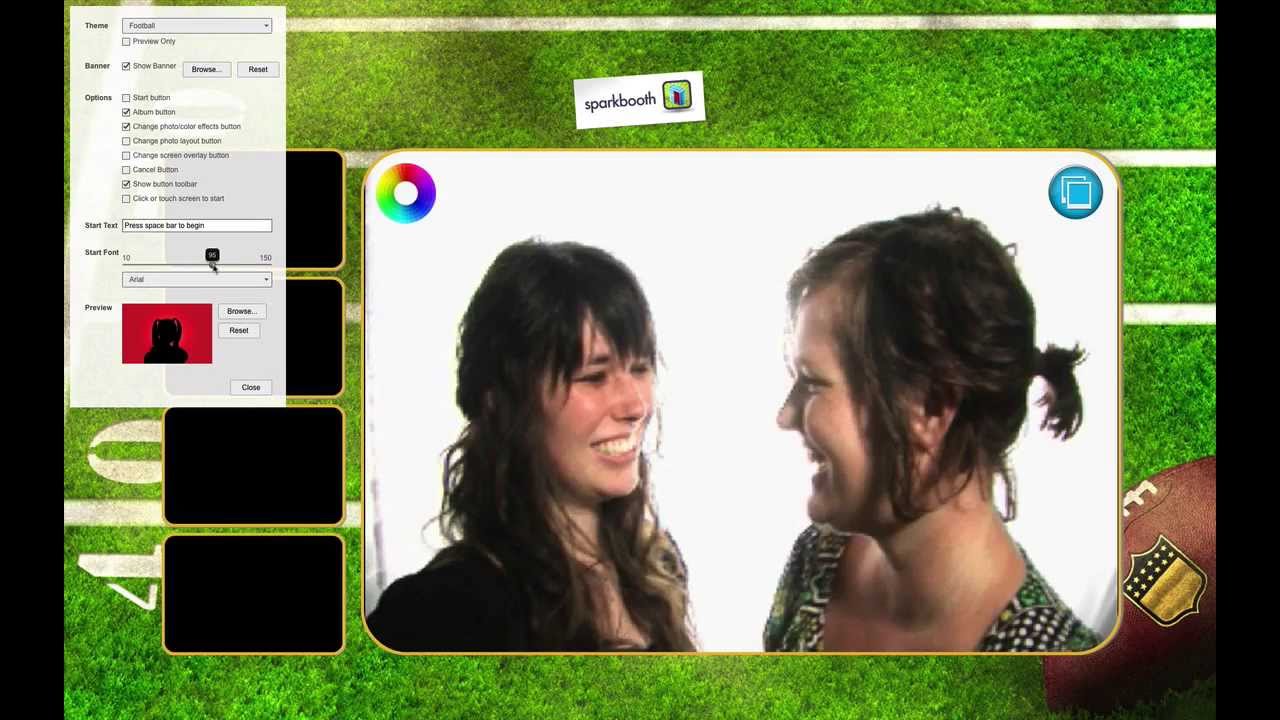
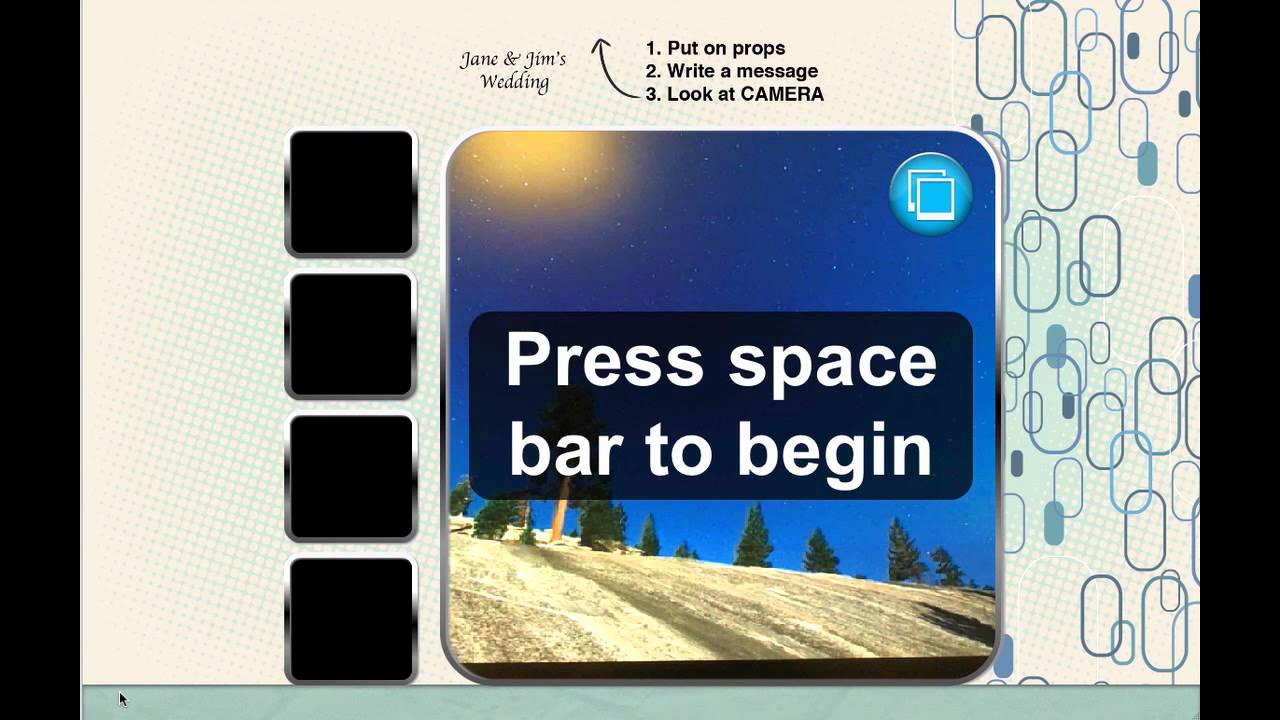
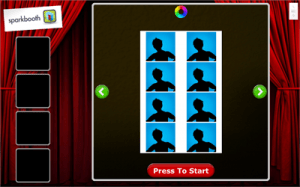
Sparkbooth 3.5 screenshot

Sparkbooth 3.5 is now available in both Consumer and Commercial editions. Both deliver an easy and affordable way to set up an instant photo booth at any location or special event. The new Commercial edition includes advanced capabilities for event planners, business professionals and service providers.

Change new to Sparkbooth 3.5:

  • New animations for countdown and previews
  • Added new Retro theme
  • Added Photobucket uploader
  • Added Google+ / Picasa uploader
  • Added more 4 x 8 layouts
  • No longer need to pre-install Adobe AIR runtime
  • Commercial only features:
    • Photo album kiosk mode
    • Take wide 4 x 6 photos, not just square photos
    • Customize Facebook uploader share link
    • Customize Twitter uploader share link

Sparkbooth 3.5 is available immediately. The Consumer edition is priced at $59, and the Commercial edition at a special introductory price of $100. Free trial versions are available for both.

If you have already own a Sparkbooth 3 license, this is a free upgrade. Sparkbooth 3.5 is a separate install, so you will need to activate it with your license key. If you want to upgrade your license key to a Commercial license key, please stay tune – upgrade pricing will be available soon.

Download Sparkbooth 3.5

Related Posts

Sparkbooth Update for Facebook Uploaders

Facebook recently made some changes to their service that affected the Facebook uploaders in Sparkbooth. Sparkbooth 3.4.28 addresses these changes which include:

  • Clear previous Facebook session for “Guest Facebook” uploader. So the previous guest’s email is no longer displayed on the sign in screen.
  • Fix “Malformed access token” error when signing into Facebook.
  • Fix saving of max guest print setting
  • Prevent application minimize when locked
Download Sparkbooth 3.4.28

Related Posts

Sparkbooth Update Available!

Sparkbooth 3.4.26 is a maintenance update to fix a few issues:

  • Print button in Photo Album/Gallery screen now displays “Printing” message
  • Skipping share in Photo Album/Gallery screen no longer displays “Not Uploaded” message
  • Guest Twitter uploader has caption setting
  • Fixed authentication error message for Flickr and SmugMug, so you can see why the sign in failed
  • Fixed Flickr uploader to allow sign in via Google or Facebook
  • Improved handling of photo saving so if folder path does not exist, it will be created
Download Sparkbooth 3.4.26

Related Posts

Update For SmugMug, Flickr, and Guest Selection Uploader

Sparkbooth 3.4.22 update for SmugMug, Flickr, and Guest Selection uploaders. Changes include:

  • Improved Guest Selector uploader
  • Improved Flickr authorization
  • Improved SmugMug authorization
Download Sparkbooth 3.4.22

Related Posts

Update for Changes to Facebook Non-Expiring Access

The Sparkbooth 3.4.20 update provides some changes to the Facebook and Guest Facebook uploaders to handle changes to Facebook apps. Facebook provides apps 2 weeks before expiring access. So you will need to re-authenticate your access periodically. The Facebook uploader now shows this expire date. Please update if you use the Facebook uploader.
Download Sparkbooth 3.4.20

Related Posts

Evernote Your Photo Booth

The Sparkbooth 3.4.17 update adds Evernote as an upload option. Connect your Evernote account to Sparkbooth, and photos will be added to your Evernote notebook as notes. The best thing is you can share your notebook online, so your guests and friends can view the photos.

Download Sparkbooth 3.4.17

Related Posts