AI Photo Booth Software
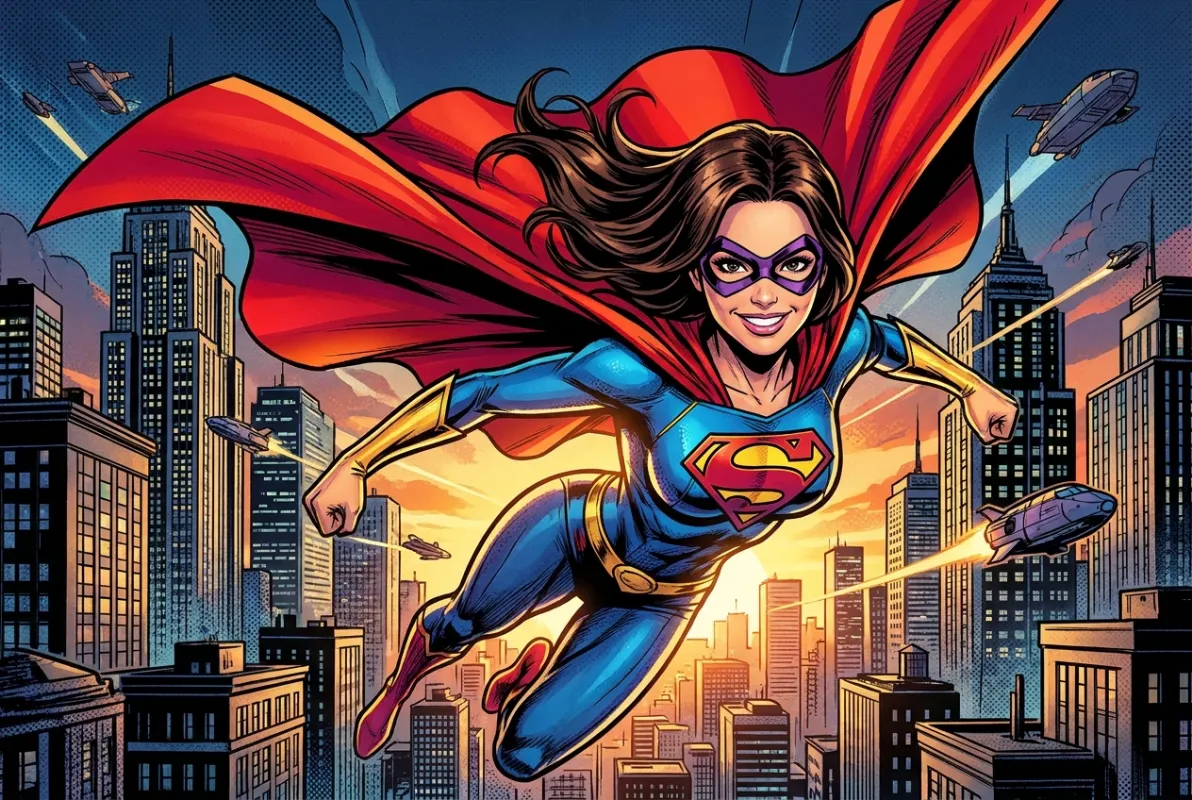
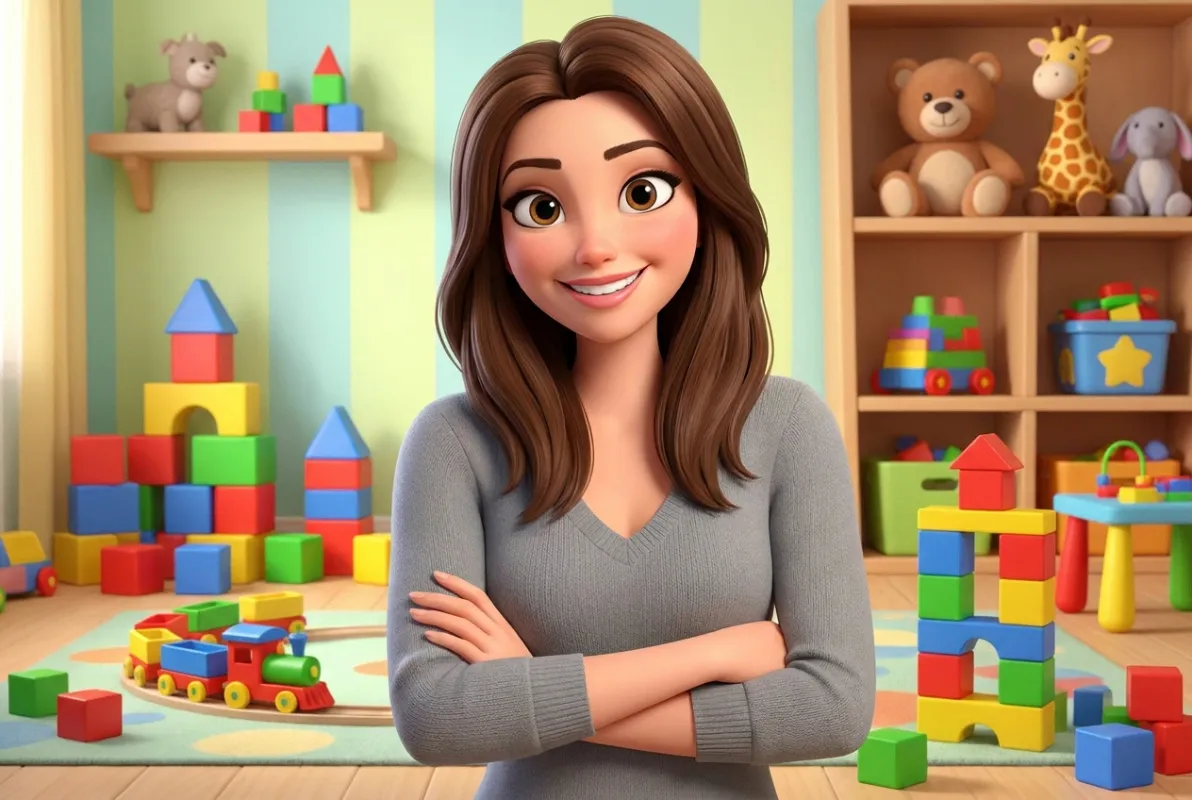
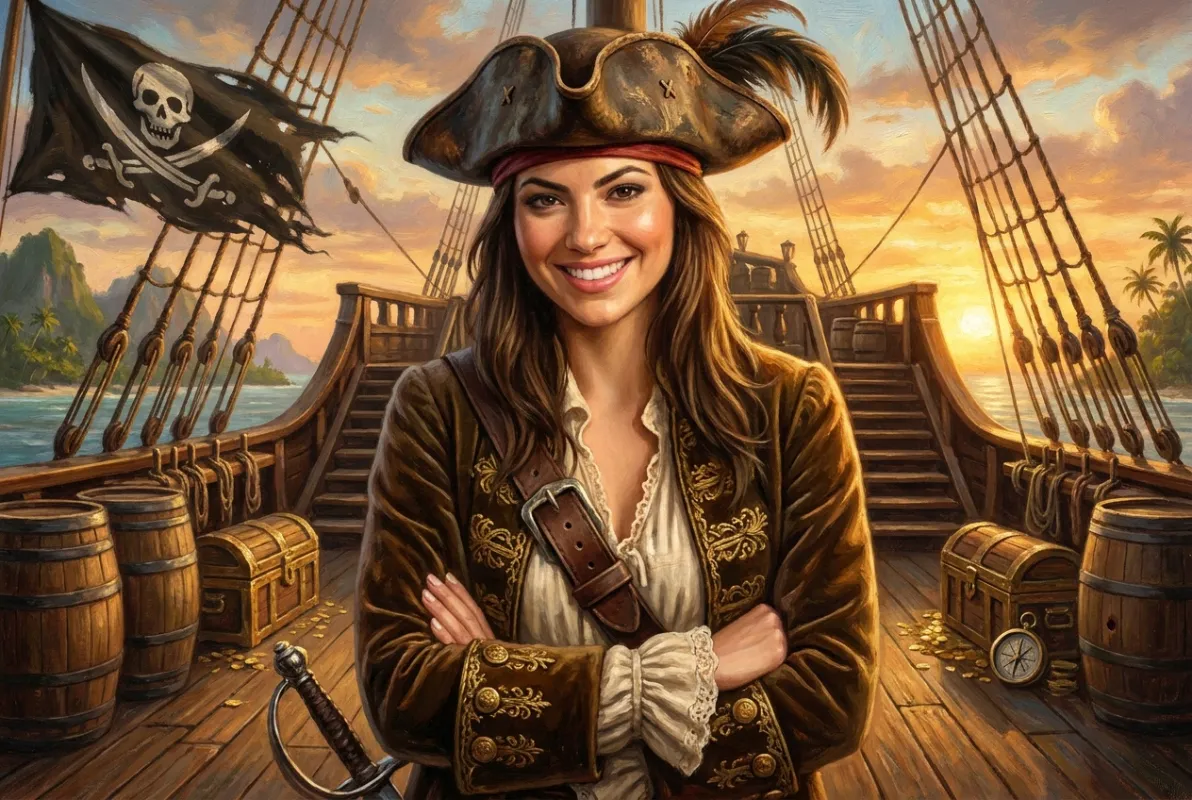
The same six seconds in the booth — a completely different photo out of it.
Included with Sparkbooth Premium and DSLR — not a paid add-on.
AI Photo Transformations restyle your guests' photos automatically, as part of the session. One group walks away as a superhero comic panel, the next as a Renaissance portrait, the next with a clean professional headshot they will actually use on LinkedIn. It is the easiest thing you can add to a booth that guests have not seen a hundred times already.
AI Photo Transformations are included with Premium and DSLR, and use an ai.sparkbooth.com account. Creating one includes 20 credits so you can try it before you spend anything.
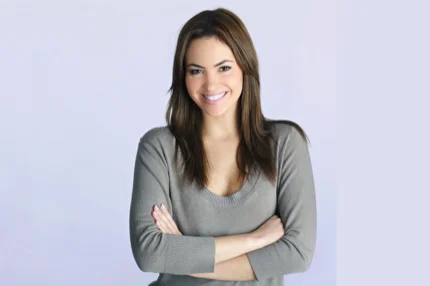
One original photo booth capture — the styles below all came from it.
Free 30-day no obligation trial. Photos are watermarked during trial.
For Premium, Windows 10 or later, Mac OS 13.7 or later, Webcam, 4GB or more RAM, and i3 processor or better (2.0 Ghz or faster) recommended.
For DSLR, Windows 10 or later, Mac OS 13.7 or later, compatible Canon, Nikon or Sony camera, 4GB or more RAM, and Intel i5 processor or better (2.7 Ghz or faster) recommended.
One Capture, Fourteen Different Prints
Every image below started as the same photo booth frame. Pick the styles that fit the event and Sparkbooth handles the rest during the session.

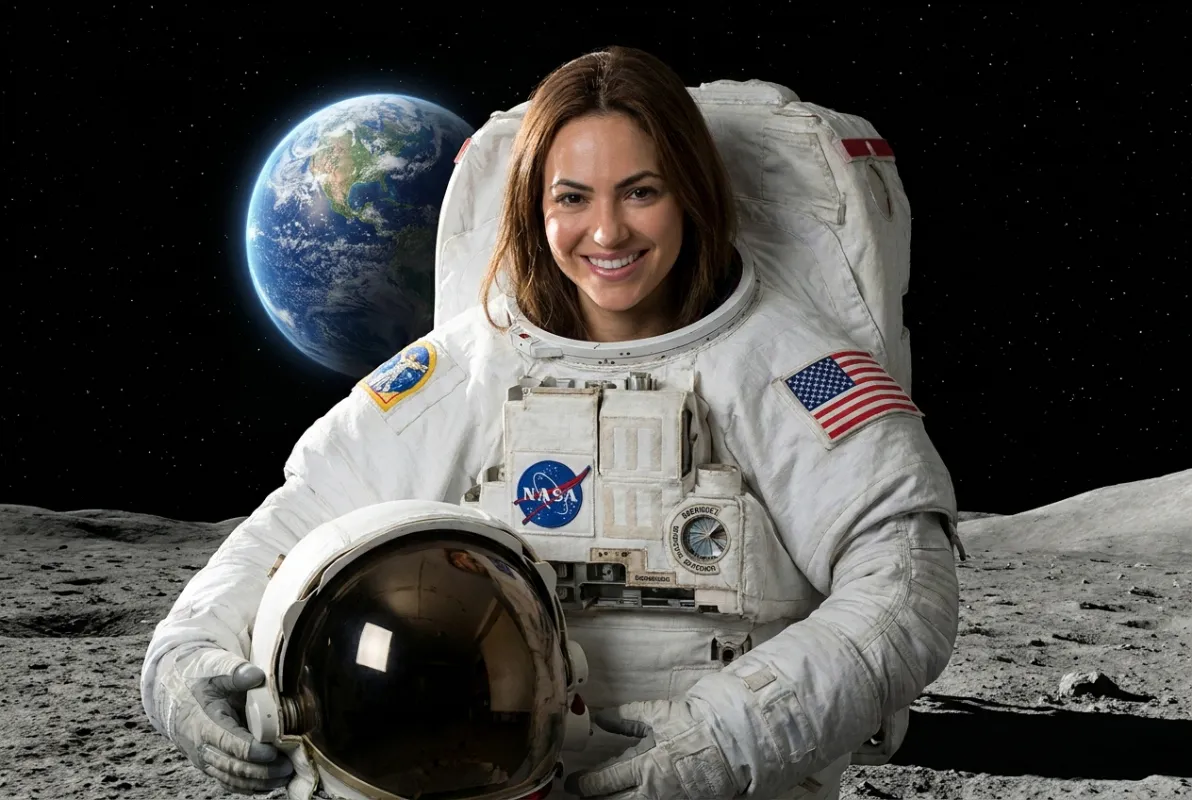
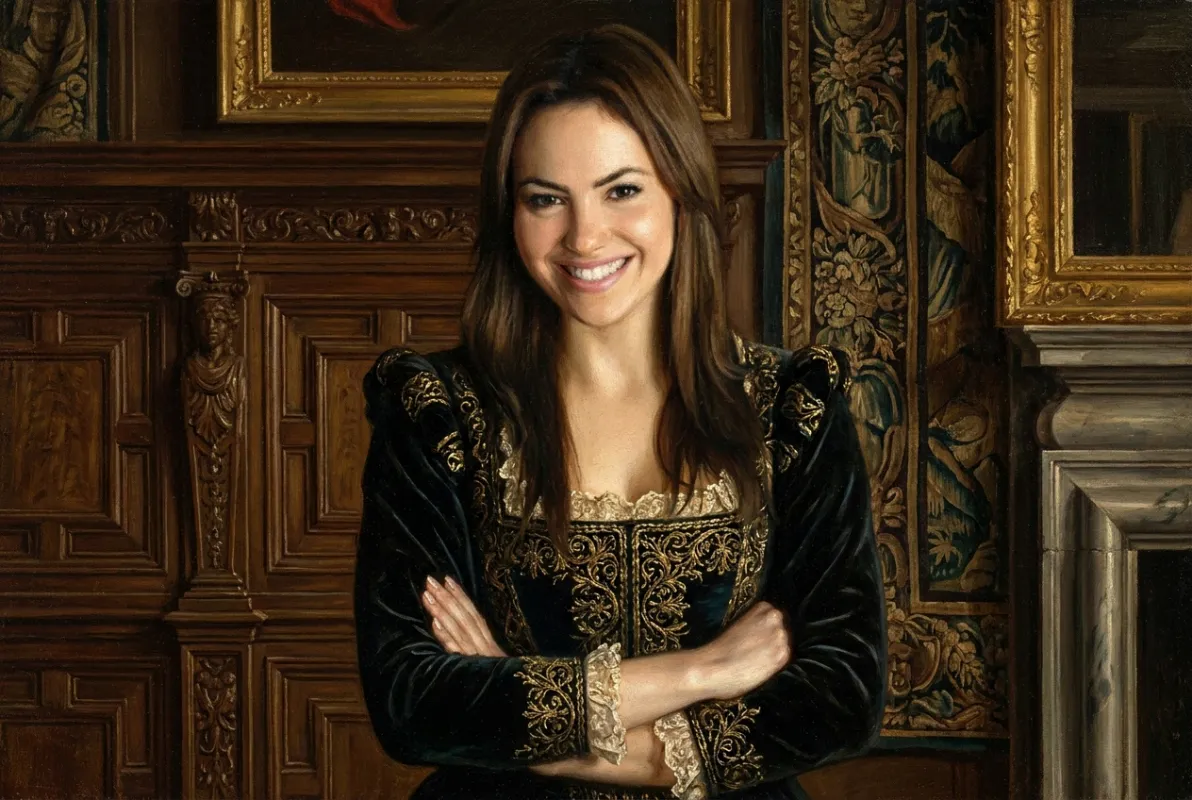
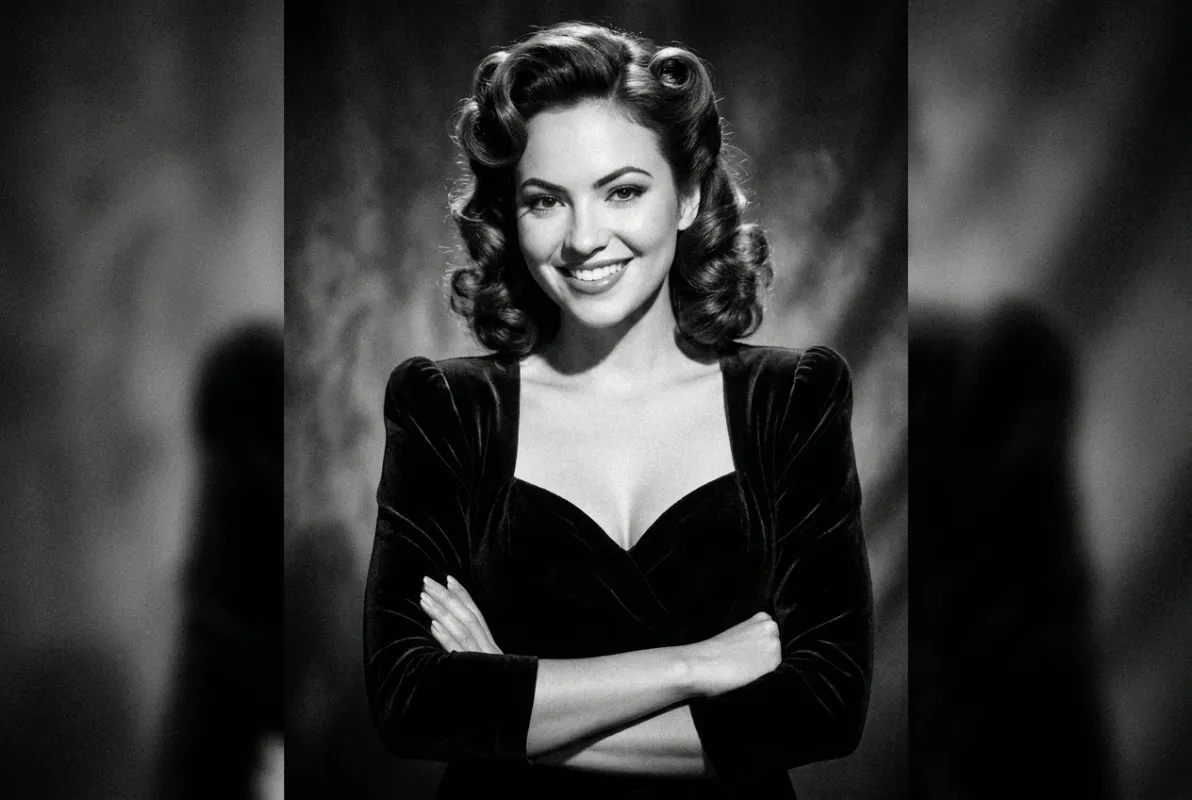
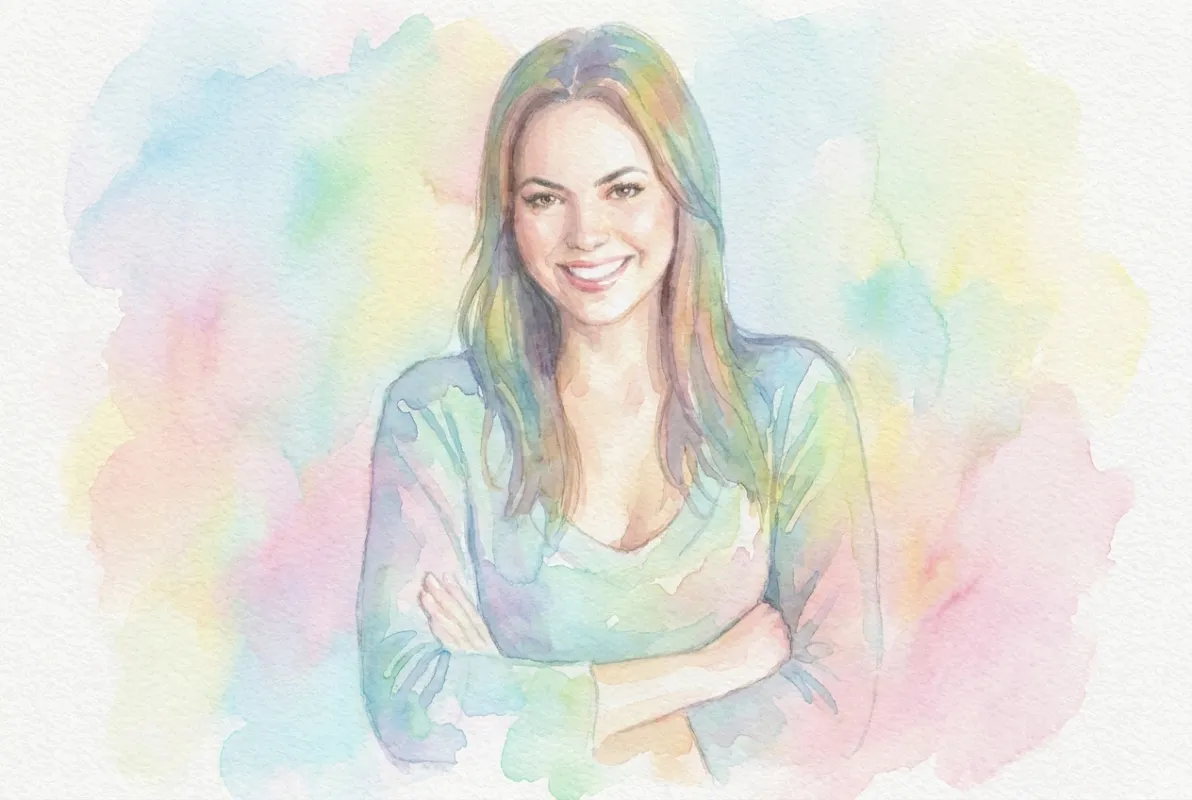
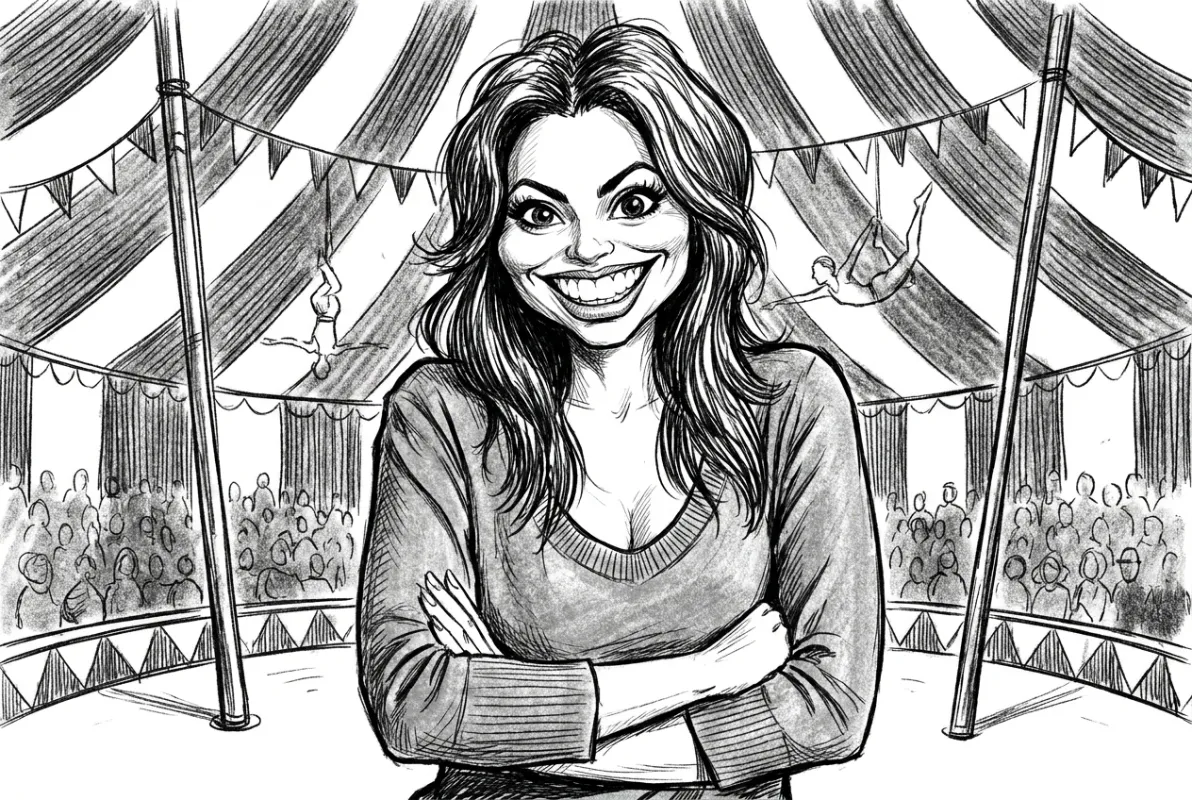
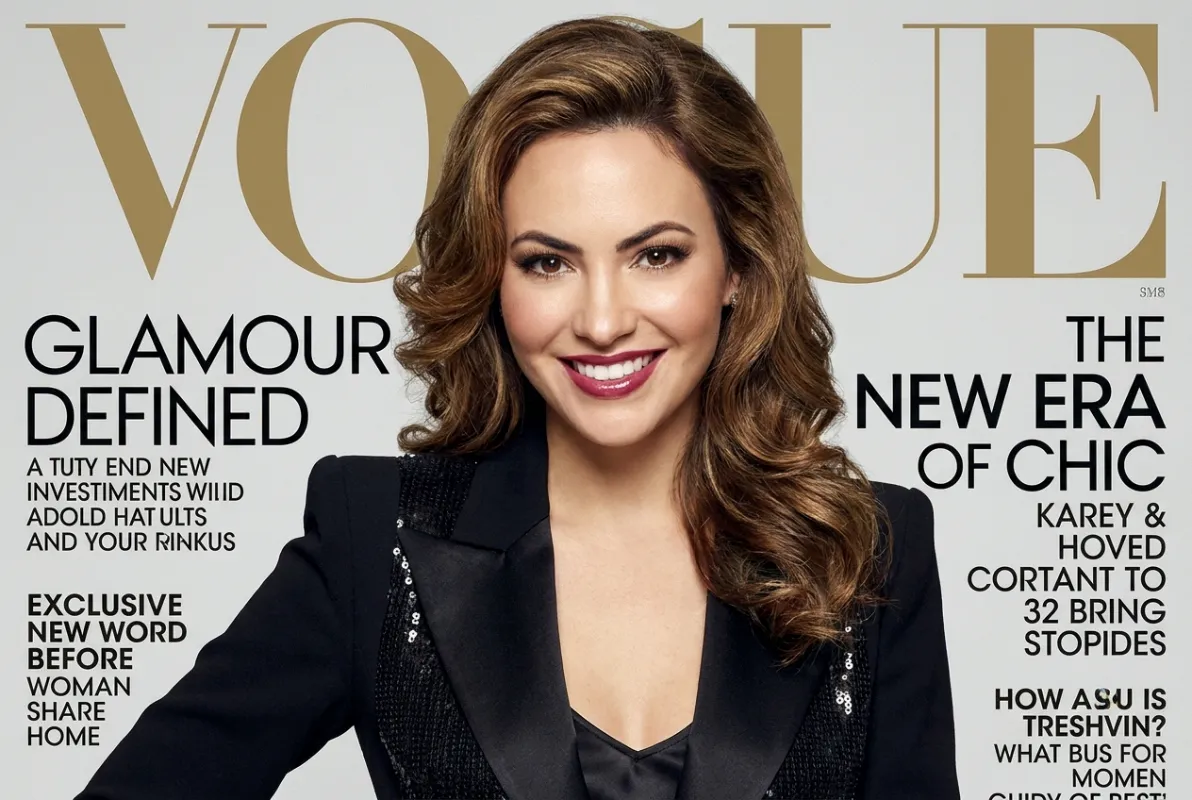
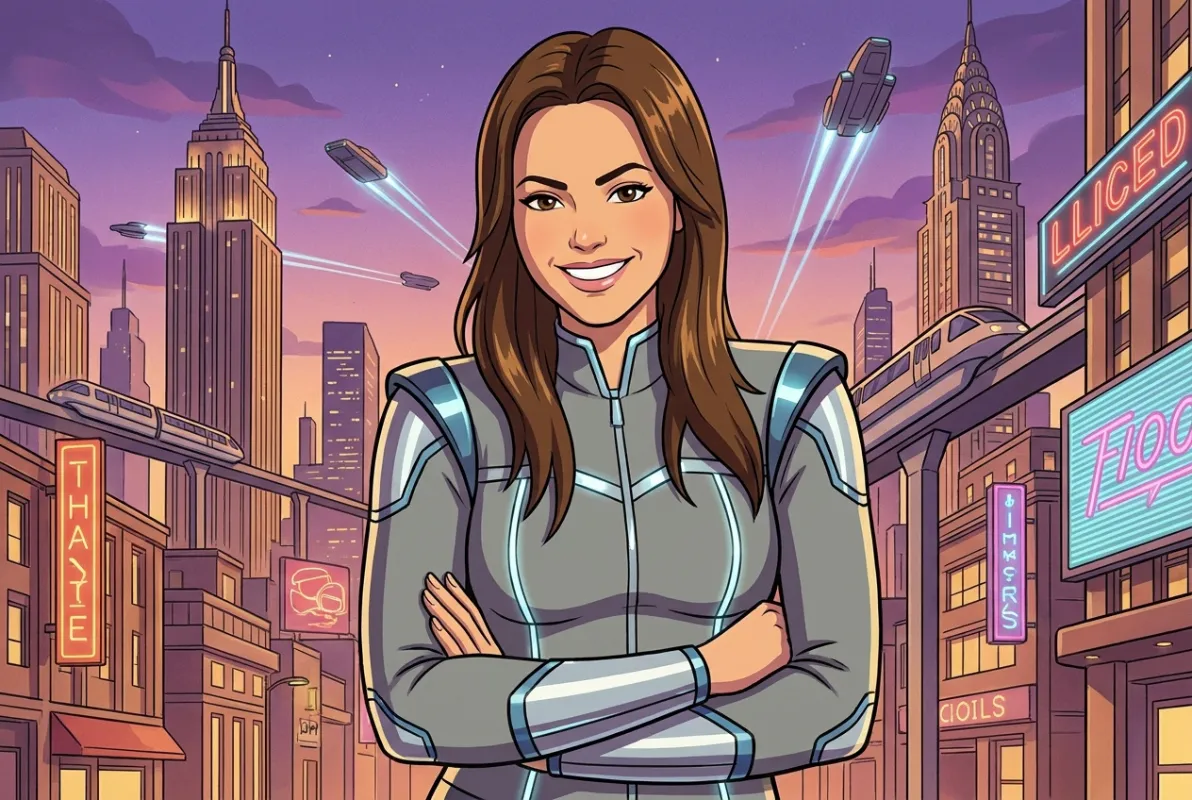
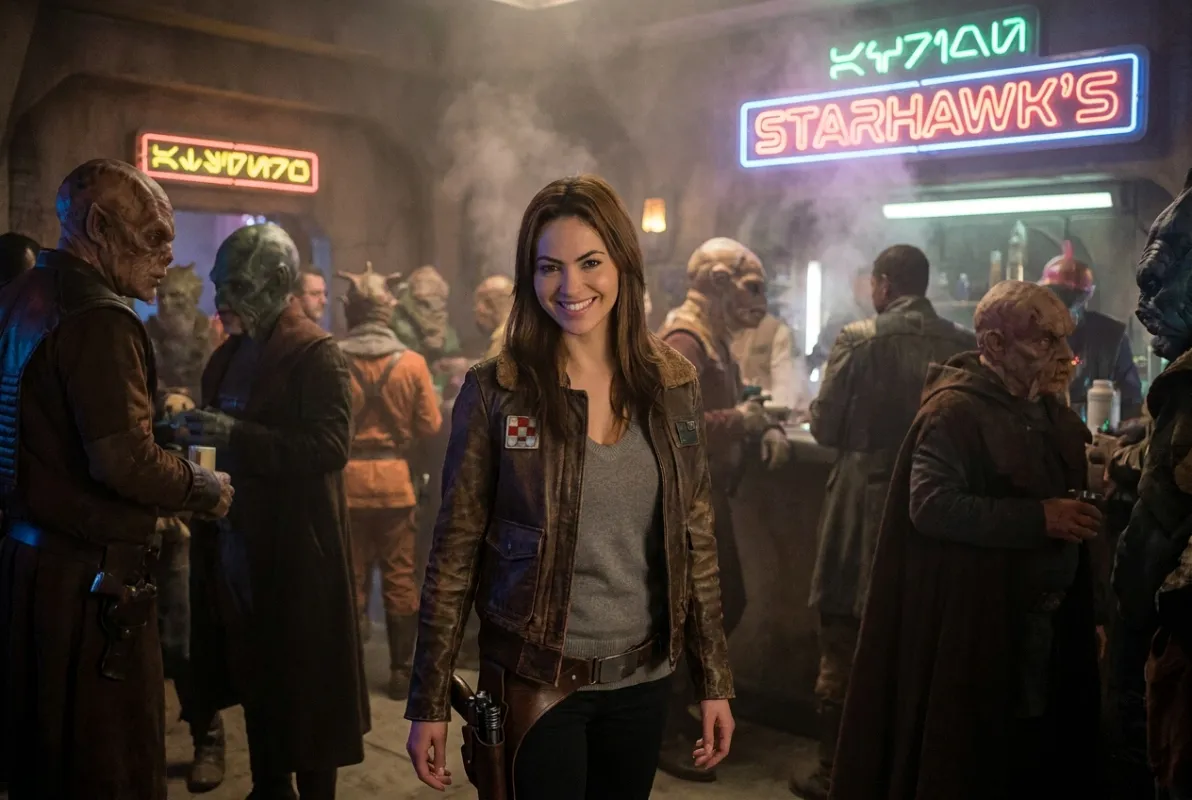

How It Works
1. Create an AI Account
Sign up at ai.sparkbooth.com. The account comes with 20 credits, which is enough to run the styles past a few real faces before you decide.
2. Connect It in Settings
Link the account inside Sparkbooth once, then enable transformations for the events where you want them. Everything else about your booth stays exactly as you set it up.
3. Guests Just Pose
The transformation happens as part of the session — no separate app, no QR-code detour, no second queue. The result flows into your normal print, email, SMS and QR code delivery.
Why It Sells
A standard booth competes on price. An AI booth competes on something the client has not been quoted for by anyone else in town, which is a much better position to negotiate from.
- A premium tier you can actually charge for. Same hardware, same setup time, a higher line on the quote.
- Corporate events love headshots. The professional-headshot style turns a party activation into something the HR budget can justify.
- Themed events run themselves. Superhero for a kids' party, sci-fi for a product launch, Renaissance for a gallery opening — no new backdrop, no new props.
- Shares travel further. People post a transformed photo that looks nothing like a normal booth strip, with your branding still on it.
Still a Complete Photo Booth
AI transformations sit on top of everything Sparkbooth already does — the layout editor, green screen, GIF and boomerang mode, mirror booth, touchscreen signing and props, printing, email, SMS, QR code sharing and the sharing kiosk. Feed it from a webcam or from a Canon, Nikon or Sony camera.
- Webcams, including 4K
- Lifetime license, 3 activations
- Commercial and business use
- Free updates within version 7
- Windows and macOS
- Everything in Premium
- Canon, Nikon and Sony cameras
- Lifetime license, 3 activations
- Commercial and business use
- Windows and macOS
Lifetime, non-expiring license — not a subscription. Not sure yet? Try the full app free for 30 days — no credit card, no obligation. Trial photos are watermarked. See the full feature comparison or upgrade an older license.
AI Background Removal, No Green Screen
Sparkbooth can also remove the background from every photo with AI, so you can drop guests onto any scene without setting up a green screen. Connect PhotoRoom, Removal.ai, Remove.bg or Slazzer, which need an internet connection at the venue, or UnlimitedBG, which runs offline on the booth computer with its own subscription.
Background removal works alongside AI Photo Transformations and the rest of the booth: layouts, printing and email, SMS and QR code sharing. See the background removal services and how to set them up.
AI Photo Booth Questions
Which Sparkbooth releases include AI Photo Transformations?
Sparkbooth 7.3 and later, for both Premium and DSLR. Test your workflow end to end before you run it at a paid event.
What does it cost?
Transformations run through an ai.sparkbooth.com account, which uses credits. A new account includes 20 credits at no charge. Your Sparkbooth license itself stays a one-time purchase.
Do I need an internet connection at the venue?
Yes, for the transformations themselves — they are processed through your AI account. The rest of Sparkbooth, including capture, layouts and printing, works offline as it always has, so a dropped venue connection costs you the AI styles rather than the whole booth.
Which license do I need?
Premium ($159 USD) or DSLR ($199 USD). Both are one-time, non-expiring licenses that allow commercial use.
Can guests choose their own style?
You choose which styles are enabled for an event, so you can curate them to the client's theme rather than exposing every option at every booking.
Can I use the AI photos commercially?
Yes — both licenses permit commercial and business use. If you are pricing an AI upgrade into your packages, our guide to starting a photo booth business covers the rest.
Can I remove the background without a green screen?
Yes. Sparkbooth connects to AI background removal services (PhotoRoom, Removal.ai, Remove.bg, Slazzer or UnlimitedBG) that cut guests out of the photo automatically, with no green screen.
Does AI background removal work without internet?
With UnlimitedBG, yes: it runs offline on the booth computer. PhotoRoom, Removal.ai, Remove.bg and Slazzer need an internet connection at the venue.
Run a Face Through It Tonight
Install Sparkbooth, create an AI account with its 20 free credits, and see what your own booth photos turn into.
Free 30-day no obligation trial. Photos are watermarked during trial.
Shooting with a camera instead? Get Sparkbooth DSLR for Windows or Mac, or read the full release notes.
Explore Sparkbooth
Webcam Photo Booth · DSLR Photo Booth · Mirror Booth · AI Photo Booth · Start a Photo Booth Business
GIF Photo Booth · Photo Kiosk · Layout Editor · Photo Booth for Events · Wedding Photo Booth