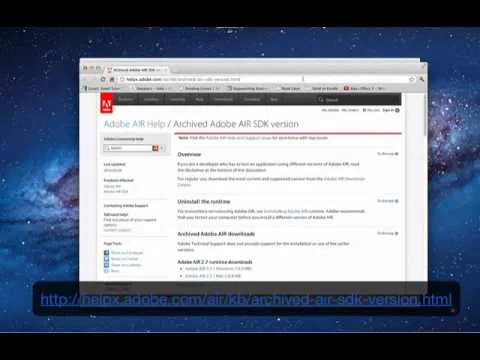
With Mac computers, the Adobe AIR 3.2 update changes the proportion of the video for Sparkbooth. For this reason, I do not recommend installing Adobe AIR 3.2. If you have already installed the update and are seeing the changed video proportions, here is what you need to do:
- Close Sparkbooth if it is open
- Uninstall Adobe AIR 3.2. Run the Adobe AIR Uninstall in Applications > Utilities folder.
- Install Adobe AIR 3.1.0 runtime from the Adobe AIR archive page
- After Adobe air 3.1.0 is installed, run Sparkbooth and the video will be fixed.
- Do not update Adobe air to 3.2 when prompted. If you want to disable these prompts, see "Disable automatic updates of the runtime"