Photo Booth Software for Windows and Mac
Start Free 30-Day Trial See Pricing
Choose Your Booth
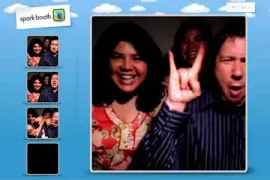
Webcam Photo Booth
Any webcam from 720p to 4K — plug it in and you have a booth.
Webcam Photo Booth Software
DSLR Photo Booth
The camera you already own is the best booth you can build — Canon, Nikon and Sony.
DSLR Photo Booth Software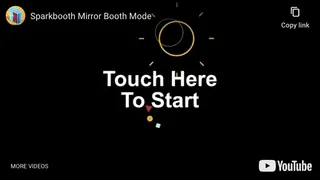
Mirror Booth
Your mirror hardware, your animations, your text — in any language.
Mirror Booth Software
AI Photo Booth
The same six seconds in the booth — a completely different photo out of it.
AI Photo Booth SoftwareLatest News
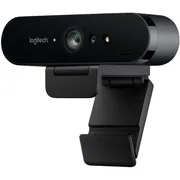
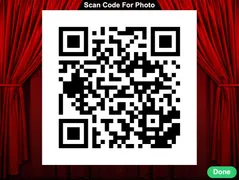
Photo Booth Software for Any Event
Sparkbooth is photo booth software for Windows and Mac. Install it on a laptop or desktop, plug in a webcam or connect a Canon, Nikon or Sony camera, and you have a photo booth: guests take their photos with a touch or a click, add props and backgrounds, and get a printed strip or a copy by email, text or QR code. Wedding, birthday, corporate event or school dance — the same app runs a webcam photo booth, a DSLR photo booth, a mirror booth, a GIF and boomerang booth and an AI photo booth.
There is no subscription and no per-event fee: one license covers three computers and commercial use. Start with the free 30-day trial, read about photo booth software for Windows, photo booth software for Mac or DIY photo booth software, and run it in your own language — Sparkbooth is available in eleven.
Photo Booth Software Questions
What is photo booth software?
Photo booth software turns a computer with a camera into a photo booth: it shows a live preview, counts down, takes the photos, lays them out on a template and prints or shares them. Sparkbooth does all of this from one app, with a touch-screen interface guests can use on their own.
Does Sparkbooth run on Windows and Mac?
Yes. One license works on Windows 10 or later and macOS 13.7 or later, and it includes three activations, so you can install it on a Windows laptop and a Mac at the same time.
Can I use a laptop webcam or a USB webcam?
Yes. Any webcam works, from a laptop’s built-in camera to a 4K USB webcam. A good external webcam gives sharper prints; the webcam photo booth page has recommendations.
Is there a free version?
The 30-day trial is free and fully functional, with a watermark on the photos. After that, Sparkbooth Premium is a one-time $159 license and Sparkbooth DSLR is $199 — there is no subscription and no per-event fee.
Does it work with a DSLR or mirrorless camera?
Yes. Sparkbooth DSLR controls Canon, Nikon and Sony cameras over USB for a professional-quality booth; the DSLR photo booth page lists the supported models.
Can guests get their photos by email, text or QR code?
Yes. Sparkbooth sends each photo by email or SMS and shows a QR code guests can scan, in addition to printing on any printer you have.
Since 2009
Buy once, no subscription
The license never expires