t
Sparkbooth's mirror booth mode turns a magic mirror into a full photo booth experience: animated invitations, a countdown that plays across the glass, voice prompts, on-screen signing and stickers, then print, email and text. It runs on the mirror you already own, with a webcam or a Canon, Nikon or Sony camera behind the glass.
Mirror booth mode is included with both Premium and DSLR licenses — there is no separate mirror booth product to buy.
Most mirror booth packages ship animations with the words burned in, which means English-only prompts and a booth that looks exactly like everyone else's. Sparkbooth draws the animated text as a separate layer, so you can rewrite every prompt — a different language, the couple's names, a sponsor's tagline — without touching the video files.
Drop in your own video files, or animation packs you have bought elsewhere, and build a look per event — wedding, corporate, Halloween, a brand activation. Nothing is locked to a bundled theme.
Replace the spoken cues with your own recordings. Guests hear your host, your language and your tone instead of a stock voice everyone recognises from the last three weddings.
The touchscreen moment guests actually queue for: signing their photo, drawing on it, and dragging virtual props around. Add your own image files as stickers.
Sparkbooth is the software layer. It runs on a Windows or Mac machine behind any two-way mirror with a touchscreen — a frame you bought, one you built, or a retrofit of an existing shell whose original software has been abandoned. Point it at a webcam, including a 4K webcam, or at a Canon, Nikon or Sony camera with the DSLR license.

Replace the backdrop behind the mirror with your library of scenes or the client's artwork, so one physical setup covers every theme you sell.
The same mirror session can produce a looping GIF, boomerang or rewind clip for social, alongside the printed strip. See GIF booth mode.

Design the printed keepsake in the drag-and-drop layout editor — strips, 4″ × 6″ prints, duplicate templates, the client's monogram in the corner.
Send photos by email or SMS through your own provider, and set up a separate sharing and print kiosk so the mirror keeps moving while guests browse.
Mirror booth mode is part of Sparkbooth Premium and Sparkbooth DSLR — a one-time, non-expiring license with three activations and commercial use included. No monthly fee, no charge per event, no cap on the number of photos your mirror takes.
Lifetime, non-expiring license — not a subscription. Not sure yet? Try the full app free for 30 days — no credit card, no obligation. Trial photos are watermarked. See the full feature comparison or upgrade an older license.
Both. Premium ($149 USD) covers webcams; DSLR ($189 USD) adds Canon, Nikon and Sony cameras. Mirror booth mode itself is included either way.
Generally yes — Sparkbooth is ordinary Windows or Mac software driving a display, a touchscreen and a camera. If your mirror uses a standard touchscreen and a camera your computer recognises, it will run. Use the free 30-day trial on that exact machine before you commit.
Yes. The animated text is a separate layer from the video, so you can edit the wording and set it in any language you like. Sparkbooth's own interface ships in English, Spanish, Portuguese, French, German, Italian, Japanese, Korean, Russian and Chinese.
Yes. Add your own video files and audio recordings, or animation packs purchased elsewhere.
Only if you want them to. Signing, drawing and stickers use the touchscreen; the capture itself runs from the countdown, so a mirror without touch still works as a booth.
Yes — commercial use is allowed and there are no per-event fees. See our guide to starting a photo booth business.
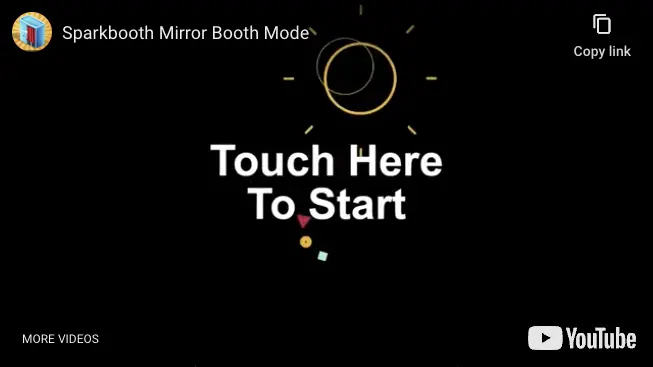
Install the full app, run it behind the glass, and see how it looks before you spend anything.
System requirements: Windows 10 or later, or macOS 13.7 or later, a webcam or compatible camera, 4GB or more RAM, and an i3 processor or better (2.0 GHz or faster) recommended.