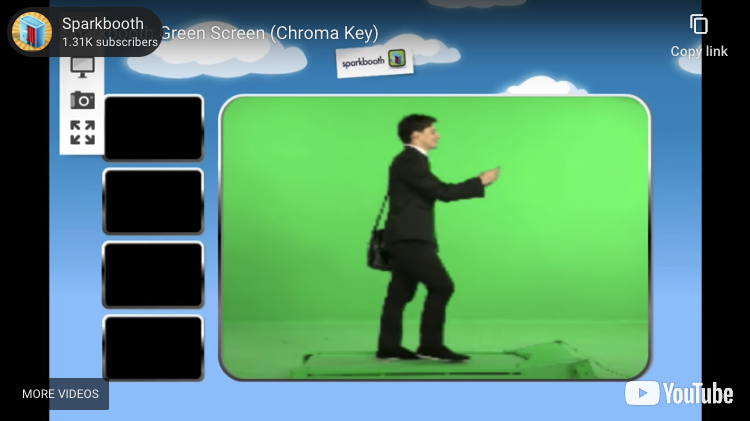
New beta update 4.2.27 enables guest green screen selection. You can change backgrounds by enabling the keyboard shortcut, on-screen button, or selection screen. See release notes.
t

New beta update 4.2.27 enables guest green screen selection. You can change backgrounds by enabling the keyboard shortcut, on-screen button, or selection screen. See release notes.

New beta update 4.2.10 enables user surveys in photo kiosk mode so you can collect names, emails, telephone, or comments before printing or uploading photos. You can enable this new feature under Photo Kiosk Settings, then select Prompts. See release notes.
You can download the beta below. Note: this beta also include the new green screen feature, photo kiosk counters, and photo kiosk mailing lists.

New beta update 4.2.6 enables email subscriptions with MailChimp in photo kiosk mode. You can enable MailChimp subscriptions under the Email settings, or from the Send Photo Later queue. See release notes.
You can download the beta below. Note: this beta also include the new green screen feature and photo kiosk counters.

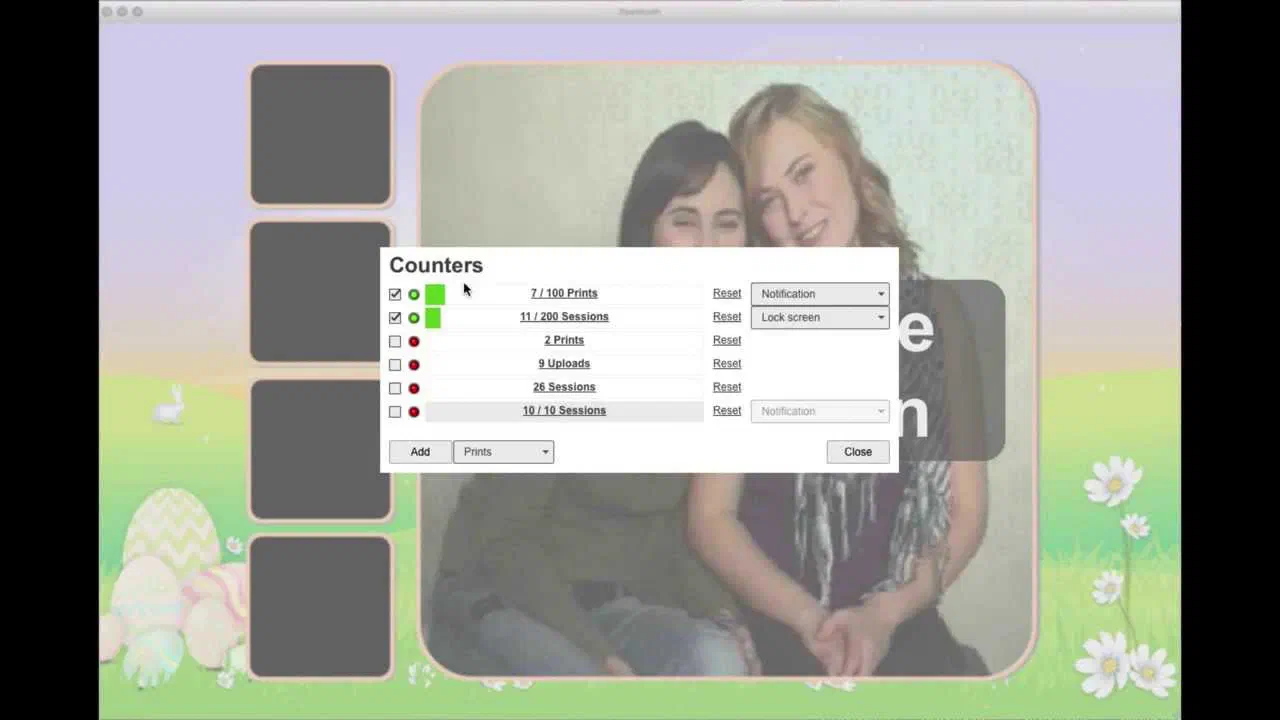
New beta update 4.2.6 enables counters in photo kiosk mode. You can use counters to track uploads and prints, and actions like notifications, disabling printing, or closing the kiosk when counter limits are reached. Counters can be viewed under Settings > Counters, or by pressing ctrl-4 from the main screen. To learn more about counters watch our short tutorial. See release notes.
You can download the beta below. Note: this beta also include the new green screen feature.
We are releasing the beta for green screen (chroma key) for Sparkbooth users to try out. The green screen feature is for Premium license users only. Please review the Sparkbooth Green Screen instructions and setup tips. See release notes. You can download the beta below:

Sparkbooth DSLR 4.1 includes all the above plus:
Please help test the Sparkbooth & DSLR 4.1 beta. It includes many fixes, optimizations, and some new features including:
Sparkbooth DSLR 4.1 includes all the above plus:
This is a beta release, so please test before using at a real event! The beta will replace your existing install of Sparkbooth 4, and use your existing activation.
The new Counters feature is allows you to tracks the number of prints, sessions, and uploads, and can be used to trigger some actions when those counters hit a set limit like to closing the photo booth or disabling printing. Here is a short view explaining this feature
There are also a couple new photo effects


A new stand in screen overlay

Complete list of changes in this update:
Sparkbooth 4 and DSLR has been updated. Changes since the initial release include:
Additional changes for Sparkbooth DSLR Beta
In case you missed the Sparkbooth 4 webinar by Joe Connell of A1 Photo Booth, we have posted the video below. Joe walks through the new features in Sparkbooth 4 and demonstrates how easy it is to use the integrated Layout Creator for customizing your layouts. If you have questions about the webinar, please post them at the support site.